Suggestion
 Lost & Found
 Call Us
 Lost And Found


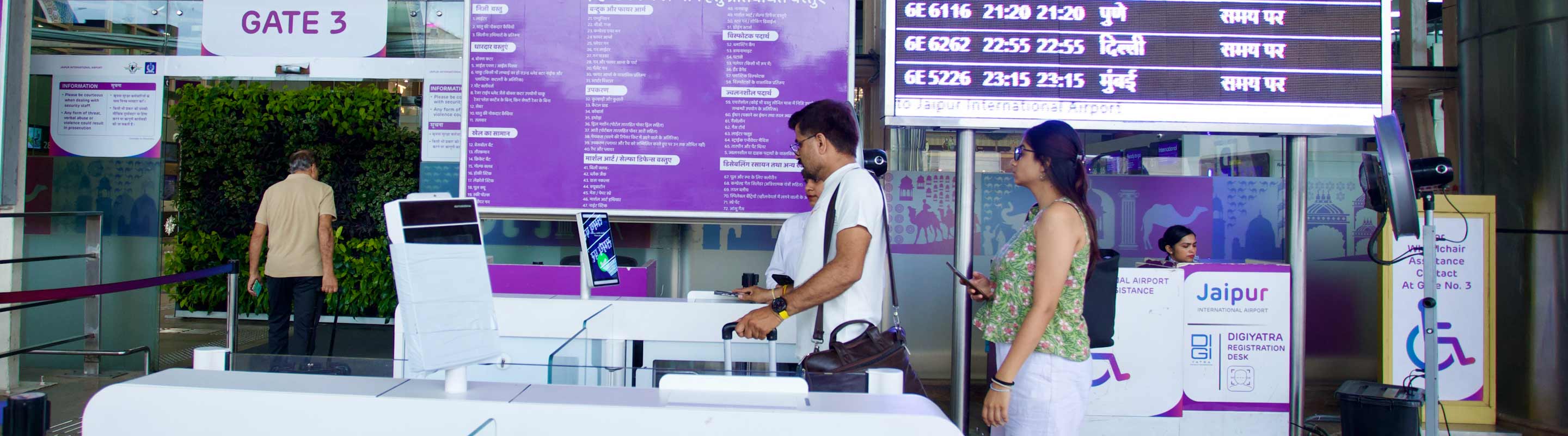
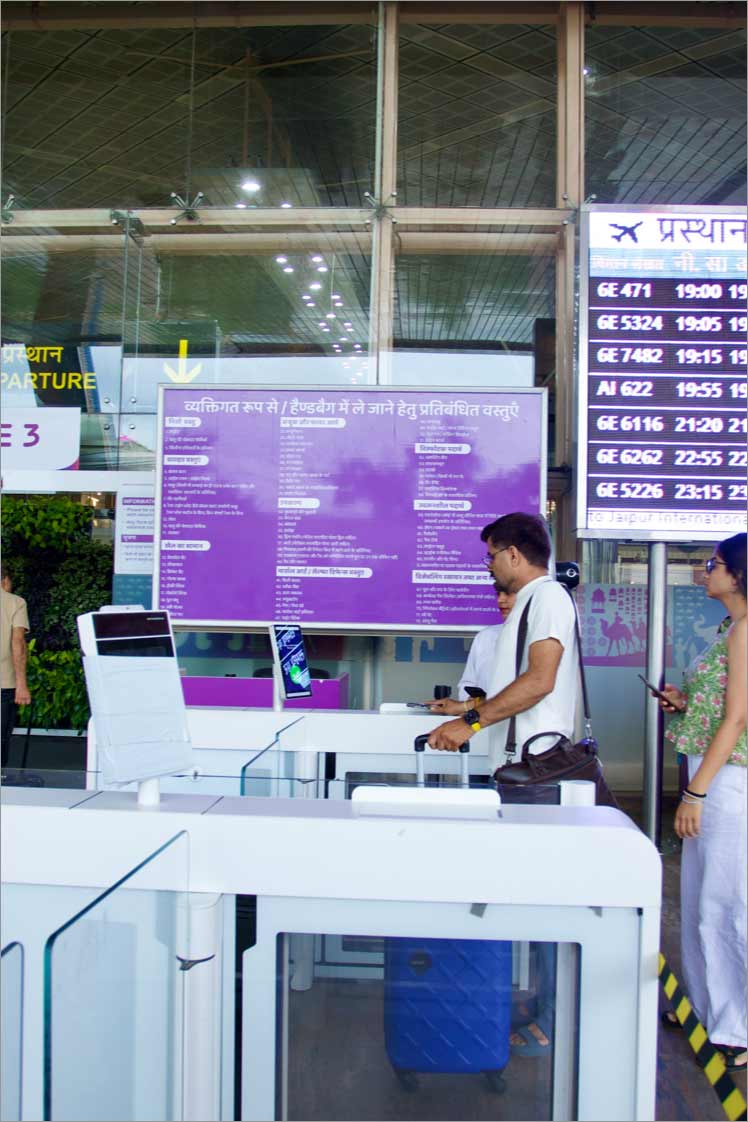

Facial Biometrics for Airport Check-In
Passengers must register on Digi Yatra using their ID and facial biometric data and add flight details before reaching the airport. Once registered, they do not need to show travel documents at checkpoints. The identity is verified using biometric technology at each step. This service is currently available for departures.
The process follows strict security and privacy rules. Biometric data is only used for verification during boarding and is deleted within 24 hours of departure. Travellers can register by downloading the Digi Yatra app. Read MoreBenefits of using DigiYatra
Hassle-free entry to the airport

Faster entry, check-in, and boarding

Paperless and seamless transit at the airport

One-time registration for all domestic flights
Pre-Travel
How to set up DigiYatra for a faster check-in:
Download Digi Yatra Mobile App
Download the DigiYatra Mobile App from the Play Store or App Store.

Register
Passengers should register with their Aadhaar ID or Digi Locker to create verifiable credentials.

The necessary Identity
Tap on the ‘Add Credentials’ icon and follow the process.

Travel Itinerary
Tap on ‘Your Upcoming Travel’ icon to upload your travel itinerary.

On the day of travel
DigiYatra’s easy travel day process
Face Verification
Passengers must proceed to the DigiYatra gate at the entry to Terminal 1 or Terminal 2 at Departure and scan their face for verification.
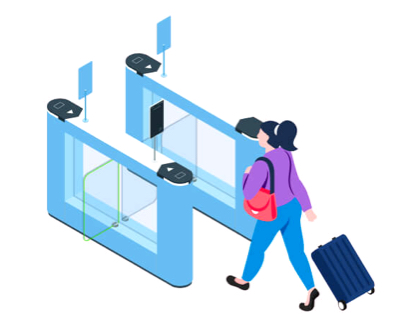
E-Gate Verification
Passengers can then go through E-Gate verification at Face Pod in the Pre-Security check Area.
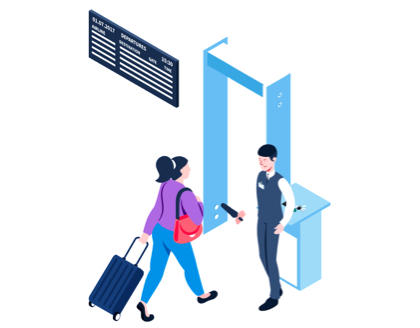
Security Check Point
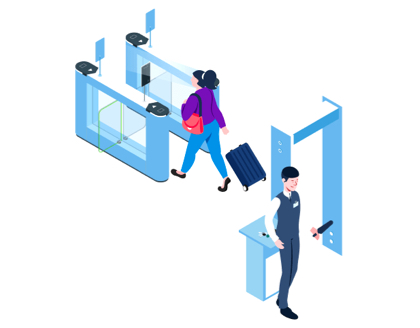
Complete Security Check-Point Authentication at Face Pod in Post- Security Check Area.
Departure
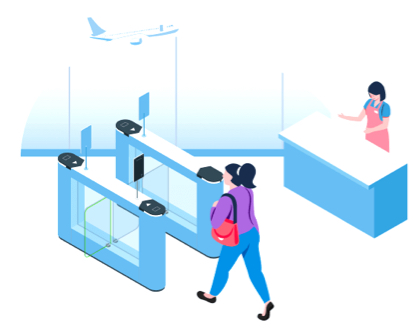
Continue with self-boarding at all departure gates.

Download the App
Use the DigiYatra app by either scanning this QR Code or downloading from the Google Playstore and the iOS App Store




What is DigiYatra?
From where can I download the application?
The DigiYatra App by the Digi Yatra Foundation is currently available on the Google Play Store (Android) and App Store (iOS).
Who can experience DigiYatra?
How does DigiYatra make the airport experience better for travellers?
How can I register on the DigiYatra application?
1. Passengers have to go to the Google Play Store (Android) or Apple App Store (iOS) and download the DigiYatra app.
2. Passengers can register using their phone number with the OTP (One-Time Password) sent to their phone.
3. Passengers need to link their Aadhaar credentials either with Aadhaar or using DigiLocker.
4. If passengers have not already registered on DigiLocker with your Aadhaar ID, they must complete registering before proceeding.
5. Passengers need to take a selfie and validate it with their Aadhaar ID.
6. Before their flight, passengers can scan their boarding pass or upload it as an image or PDF.
7. After scanning, passengers need to provide consent to share their credentials and boarding pass data with Jaipur International Airport Ltd (JIAL) for confirmation.
By following these steps, passengers will be successfully registered on the DigiYatra platform.
What are the steps to follow upon arrival at JIAL?
1. Enter the terminal through the DigiYatra gate once validated.
2. Have the boarding pass ready for uploading.
3. Look into the biometric system.
4. Once the system validates the passenger’s information, they will be granted entry into the airport.
What if I have not pre-registered for DigiYatra, can I avail the DigiYatra facility at the airport?
What happens inside the airport at security?
Who can I contact for help at the airport?
Which JAI’s terminal has DigiYatra?
What if my biometrics do not work at the terminal entry?
Is DigiYatra available for passengers arriving at the airport?
Digi Yatra Support
Feel free to contact us in dedicated numbers and e-mail for more support.
Airport Help Desk Numbers
- Terminal 2 Manager : +91 8905998558
- feedback.jai@adani.com
App-Related Support
- Customercare@digiyatrafoundation.com


Privacy Policy
We use cookies to give you the best experience on our website. By continuing, you're agreeing to our use of cookies. For more information read our Privacy Policy or edit your preferences